Introduction
Is there a way to make your iPhone charge faster? You’ve probably heard suggestions to turn off your device to speed up the charging process. Whether it’s true or simply a myth, we’ll delve deep into the mechanics of iPhone charging. Gaining insight into these details can help you maximize the efficiency of your phone's battery charging and understand the various factors that influence charging speed.
The Basics of iPhone Charging
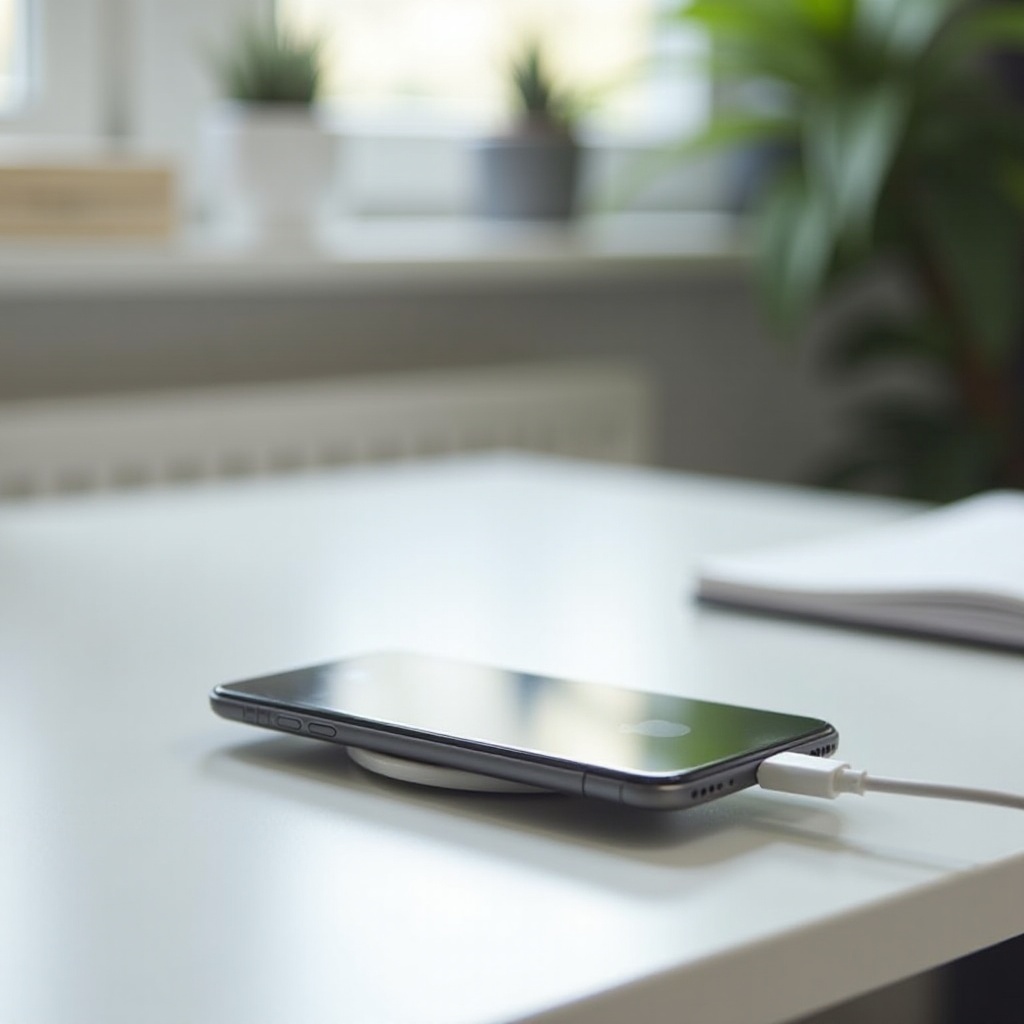
Understanding how your iPhone charges requires a grasp of its battery technology and the charging process. iPhones use lithium-ion batteries that offer a good balance between performance and longevity. Here's a quick rundown of how it works:
- Lithium-Ion Technology: These batteries charge quickly, have a longer lifespan, and come with a high power density.
- Charging Phases: iPhone batteries charge in two main phases. The first is fast charging that brings the battery up to 80% rapidly. The second phase is trickle charging, which slowly brings the battery to 100%, ensuring each cell gets balanced.
- Optimized Charging: Recent iOS versions include features like Optimized Battery Charging, which reduces battery wear by learning your charging habits and waiting to complete the charging past 80% until you need to use it.
Having this foundation is essential as we explore whether turning off your iPhone indeed speeds up the charging process.
Charging iPhone on Versus Off
Let's compare the charging speeds when your iPhone is either on or off. We'll look into the mechanics, perform real-world tests, and analyze the data.
iPhone Charging Mechanics
When your iPhone is on, it consumes power for active processes like background apps, notifications, display lighting, and more. These activities, albeit minor, can contribute to longer charging times because the phone is using energy simultaneously as it’s trying to accumulate it.
Charging Speed Analysis
Preliminary theories suggest that turning off background activities can contribute to faster charging. When an iPhone is turned off:- It ceases all background activities.- The display is not illuminated.- There are no active notifications or processes.
Real-World Testing Results
To conclude this analysis, real-world tests have shown variations in charging speed based on device usage settings. In controlled experiments, charging an iPhone while off shaved off several minutes as opposed to leaving the device on during charging. The cumulative effect of disabling all power-consuming functions adds up over the total charging period.
Factors Influencing Charging Speed
Beyond turning your iPhone off or on, several other factors significantly influence charging speed.
Charger Type and Output
Using higher wattage chargers, such as 18W or 20W, can significantly reduce charging time compared to the standard 5W charger that typically comes with older iPhones.
Battery Health and Temperature
The health of your battery plays a vital role in charging efficiency. A degraded battery may charge slower and lose charge faster. Moreover, optimal temperatures (not too hot or cold) are critical for fast charging.
Background Activities and Settings
Turning off Wi-Fi, Bluetooth, and location services, or activating Airplane Mode, can also streamline charging by reducing the power consumption during the charge.
Common Myths and Misconceptions
Dispelling myths can help you better understand the charging process and avoid ineffective practices.
Myths about Charging Speed
Myth: Charging your iPhone overnight damages the battery.Fact: Modern iPhones have built-in protections to prevent overcharging.
Myth: Using third-party chargers will harm your battery.Fact: As long as the charger meets Apple’s standards, it’s safe to use.
Evidence-based Clarifications
Common advice often lacks scientific backing. Testing and research illustrate the myths and show the real implications to help you make informed decisions about your charging habits.
Tips for Optimizing iPhone Charging
To get the most out of your iPhone’s charging sessions, consider these practical tips:
Choosing the Right Accessories
Invest in high-quality chargers and cables that support fast charging. Using certified accessories can minimize risks and optimize the charging process.
Best Charging Practices
- Turn on Airplane Mode.
- Use a higher-wattage USB-C charger.
- Avoid using the phone while it's charging to reduce background power use.
Maintaining Battery Health
Ensure you:
- Update to the latest iOS for optimized performance.
- Avoid exposing your phone to extreme temperatures.
- Use Optimized Battery Charging.
Conclusion
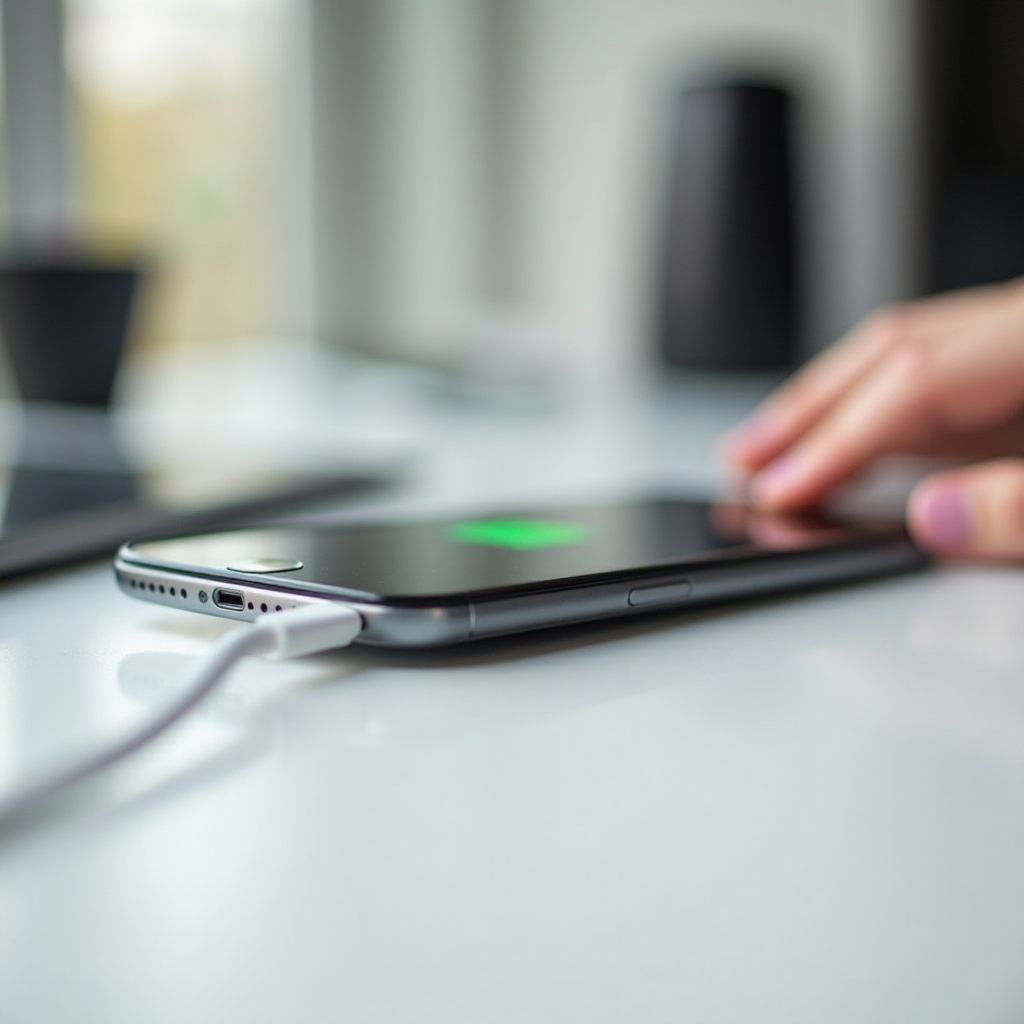
In summation, while turning your iPhone off can marginally increase charging speed by eliminating background power consumption, other factors such as charger quality, battery health, and environmental temperatures are also significant. Balancing all these elements can lead to a more efficient and healthier charging routine.
Frequently Asked Questions
Does turning on airplane mode help the iPhone charge faster?
Yes, Airplane Mode disables wireless signals, reducing the phone’s power consumption and potentially speeding up charging.
Can using the iPhone while charging damage the battery?
Using your iPhone while it’s charging doesn’t damage the battery, but it can slow down the charging process.
How long should I charge my iPhone to preserve battery health?
Charge your iPhone until it reaches 80-90%. For longer battery life, avoid letting the battery drop below 20-30% regularly. Use the Optimized Battery Charging feature for the best results.