Introduction
Repurposing old smartphones can save money and reduce electronic waste. An old iPhone can work as an effective security camera with a few simple steps. This guide will walk you through turning your outdated device into a useful home surveillance tool, ensuring you get the best out of what you already have.
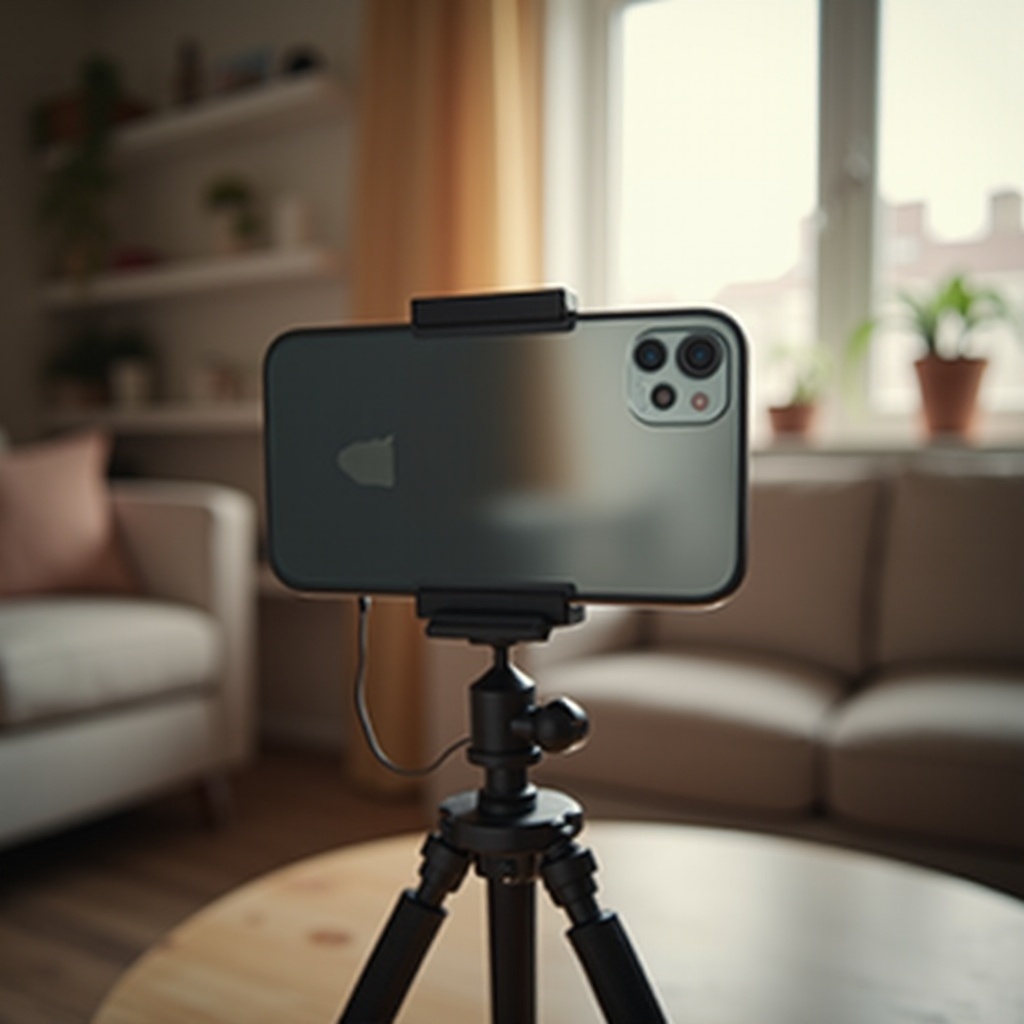
Preparing Your Old iPhone
To get started, you need to prepare your old iPhone. Ensuring it's in optimal condition will help in its new role as a security camera.
Checking Device Compatibility
Before you proceed, confirm that your older iPhone model can handle the necessary apps and functions:* Verify your iPhone model. Models like iPhone 6 and above are typically suitable.* Make sure the battery is in reasonable condition. For continuous operation, an always-plugged-in device is best.
Factory Resetting Your iPhone
Starting with a clean state guarantees that no old data interferes with your new setup.1. Go to 'Settings > General > Reset > Erase All Content and Settings.2. Confirm the reset and allow the phone to erase all data.
Updating to the Latest iOS
Ensure your iPhone is running the latest compatible iOS to support the newest features and security protocols.1. Connect your iPhone to Wi-Fi.2. Go to 'Settings > General > Software Update.3. Download and install any available updates.
Choosing the Right Security Camera App
The success of your iPhone-as-camera setup depends on the app you choose. Various apps offer different features that can enhance your surveillance system.
Alfred Home Security Camera
Alfred is a popular option, known for its user-friendly interface and robust features:* Offers live stream, motion detection, and instant alerts.* Supports both iOS and Android, allowing cross-compatibility.
Presence Video Security Camera
Presence is another excellent choice, featuring:* Live streaming and push notifications for detected motion.* Cloud storage for recorded footage that ensures you don't lose important clips.
Manything
Manything transforms your iPhone to a powerful surveillance tool with features such as:* Cloud backup and direct YouTube live streaming.* Motion detection and customizable settings.
Setting Up Your iPhone Security Camera
Once you have chosen an app, the next step is to physically position your iPhone for optimal surveillance performance.
Optimal Placement for Surveillance
The camera's location significantly impacts its effectiveness:* Place the iPhone near entry points or areas needing surveillance.* Ensure the camera is steady, possibly by using a stand or mount.
Ensuring Stable Wi-Fi Connection
A reliable Wi-Fi connection is crucial for live streaming and receiving alerts:* Position the iPhone within a strong Wi-Fi signal range.* Consider using Wi-Fi extenders if your signal is weak.
Powering Your iPhone for Continuous Use
To keep your iPhone running nonstop:* Keep it plugged into a power source using a reliable charger.* Avoid overcharging by using smart plug solutions with scheduling features.
Configuring the Security Camera App
App configuration is necessary to tailor the experience and ensure efficient monitoring. Here’s how you can optimize the settings.
Setting Up Motion Detection and Alerts
Maximize the app’s capabilities through motion detection:* Enable motion detection to receive alerts whenever movement is detected.* Adjust the sensitivity settings to avoid false alarms from pets or shadows.
Enabling Remote Access and Monitoring
Remote access allows you to monitor your home from anywhere:* Log into the app on your iPhone and additional devices like iPads or other smartphones.* Ensure you have a stable internet connection on all devices for seamless monitoring.
Ensuring Data Security and Privacy
Protect your data and prevent unauthorized access:* Use strong, unique passwords for the app.* Enable two-factor authentication where available.
Enhancing Your iPhone Security Camera System
Integrate additional features and devices to further enhance your iPhone’s functionality as a security camera.
Integrating with Smart Home Devices
Expand your security system by integrating with other smart home devices:* Connect your iPhone to smart lights or alarm systems for an automated security response.* Use automation platforms like IFTTT to create custom security routines.
Using Advanced Features (Night Vision, Two-Way Audio)
Leverage advanced features available on some apps:* Use night vision settings for better visibility in low light.* Enable two-way audio to communicate through your security camera.
Customizing Notifications and Recording Settings
Tailor the app’s notifications and recording settings to your needs:* Schedule notifications during specific hours to avoid disturbances.* Configure recording to storage space preferences by setting clips to overwrite after a certain period.
Conclusion
Turning your old iPhone into a security camera is a smart way to enhance home security while recycling tech you already own. With the right preparation and app, your iPhone can provide reliable surveillance, keeping your home safer.
Frequently Asked Questions
Can I use multiple old iPhones as a security camera system?
Yes, you can. Using multiple iPhones allows broader surveillance coverage. Most security apps support multiple devices integrated into a single system.
How can I ensure the data from my security camera is secure?
To secure your data: Use strong, unique passwords for the app. Enable two-factor authentication. Regularly update the app and iPhone's iOS to protect against security vulnerabilities.
What are the best power options for a continuous iPhone security camera?
Keep your iPhone continuously powered: Use a reliable power adapter and cable. Consider smart plugs with timers to prevent overcharging. Ensure the power source is secure and continuously available.